I counted how many times a day I switched to a ChatGPT tab. Then I built the fix.
Copy text, switch to a ChatGPT tab, paste, wait, copy the result, switch back, paste again. I did that maybe forty times a day without noticing. Here's the tax that hides inside it, and the small macOS app I built to kill it.

Listen to this article
I counted how many times a day I switched to a ChatGPT tab. Then I built the fix.
Here's the short version, in case you're just looking for the answer. I counted my own ChatGPT tab switches over a normal working day and the number came back at roughly forty. Forty copy-switch-paste-wait-copy-switch round trips, each one a small tax on focus that no invoice ever shows. The thing slowing you down when you use AI all day isn't the AI — it's the trip to get to it. I built a small macOS app called Alter to delete the trip entirely: select text in any app, press one hotkey, type what you want, and the rewritten text drops back in where your cursor was. No tab. About a second and a half. That's the whole idea.
But I want to actually talk about the problem first, because the app is just my answer to it, and your answer might look different.
The tax nobody puts on the invoice
I noticed this by accident. I was writing a client proposal, and I caught myself doing a little dance I'd done ten thousand times. Highlight a clumsy sentence. Cmd-C. Cmd-Tab to the browser. Find the ChatGPT tab among the fourteen open ones. Paste. Type "make this clearer." Wait. Read it. Copy it. Cmd-Tab back. Find my place again. Paste. Fix the spacing the paste broke.
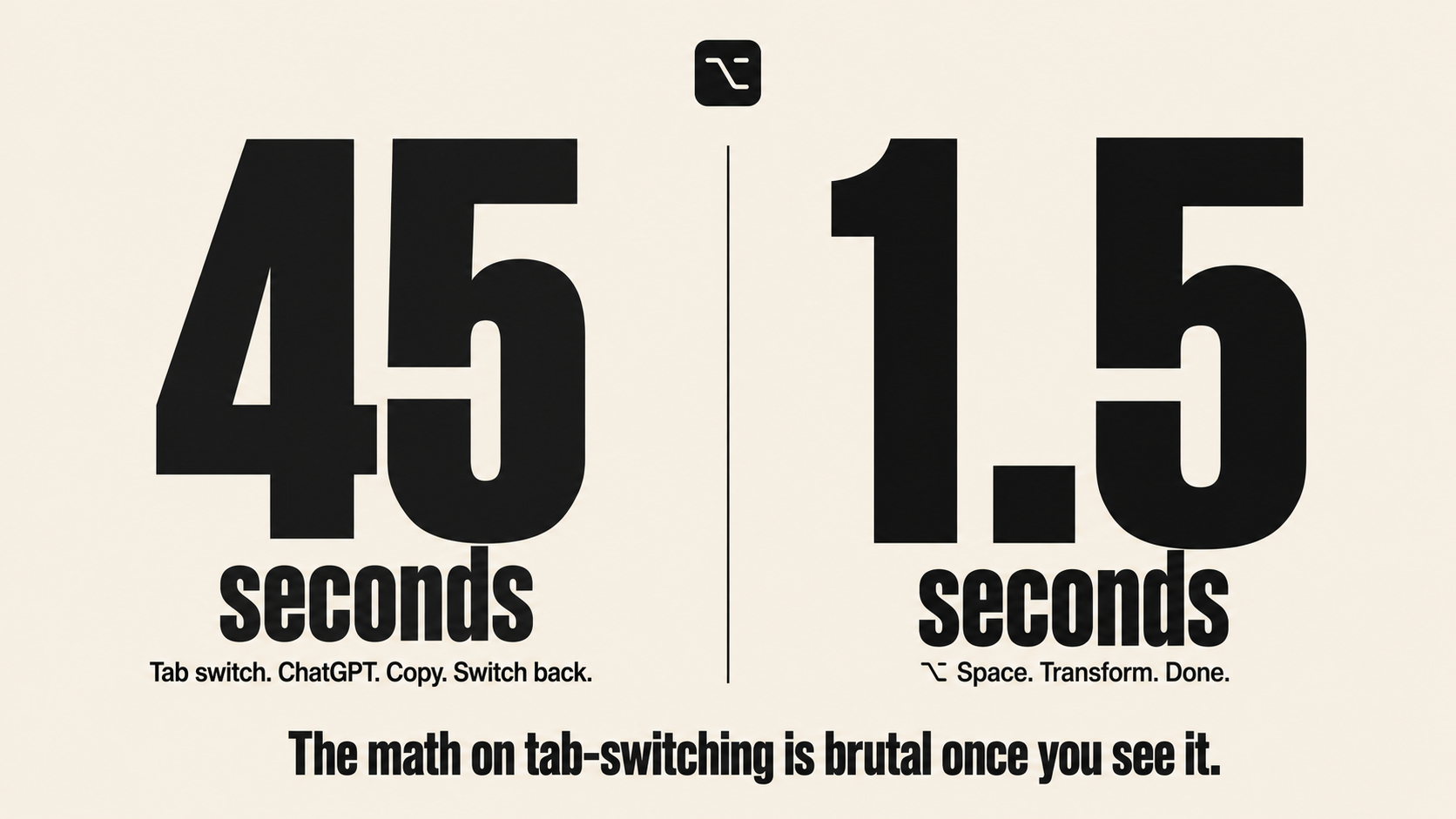
None of those steps is hard. That's exactly why it's dangerous. Each one is small enough to feel free, so you never add them up. But I did add them up, roughly, over a normal working day, and the number that came back was something like forty round trips. Reply rewrites, translations for a client in another language, shrinking a paragraph that ran long, fixing the grammar in something I typed too fast. Forty trips, each one pulling me out of the document and the thought I was holding, just long enough to lose the thread.
The cost was never the seconds. It was the context switch. There's a real thing that happens when you leave the window you're working in. The thought you were mid-way through evaporates, and you spend a few seconds rebuilding it when you come back. Do that forty times and you haven't lost a few minutes, you've lost the deep part of your attention forty times over. That's the tax. It doesn't show up on any invoice, which is why most people pay it forever without noticing.
Why the obvious fixes didn't fix it
I tried the normal things first, because building an app should be the last resort, not the first.
I tried keeping ChatGPT in a pinned tab. Didn't help, the switch was still a switch. I tried a split screen with the browser on one side. That just made both windows too small to work in and I still had to click across. I tried a few of the existing menu-bar AI tools. Most of them either wanted a monthly subscription for what is, under the hood, a single API call, or they made me log into yet another account, or they quietly sent my text through their servers so they could meter me. For text that's often a client's confidential proposal, "quietly through someone's server" is a no.
So the requirements sorted themselves out by elimination. It had to work inside whatever app I was already in, with no switch. It had to be fast enough that I wouldn't resent it. It had to not cost a subscription for something that's fundamentally cheap. And it had to send my text straight to the AI provider and nowhere else, with no account and no telemetry in between. Nothing I tried did all four. So I built the thing that did.
What I actually built
Alter is a macOS menu-bar app. It does not sit in your Dock, it does not open windows you have to manage, it just waits in the background until you need it.
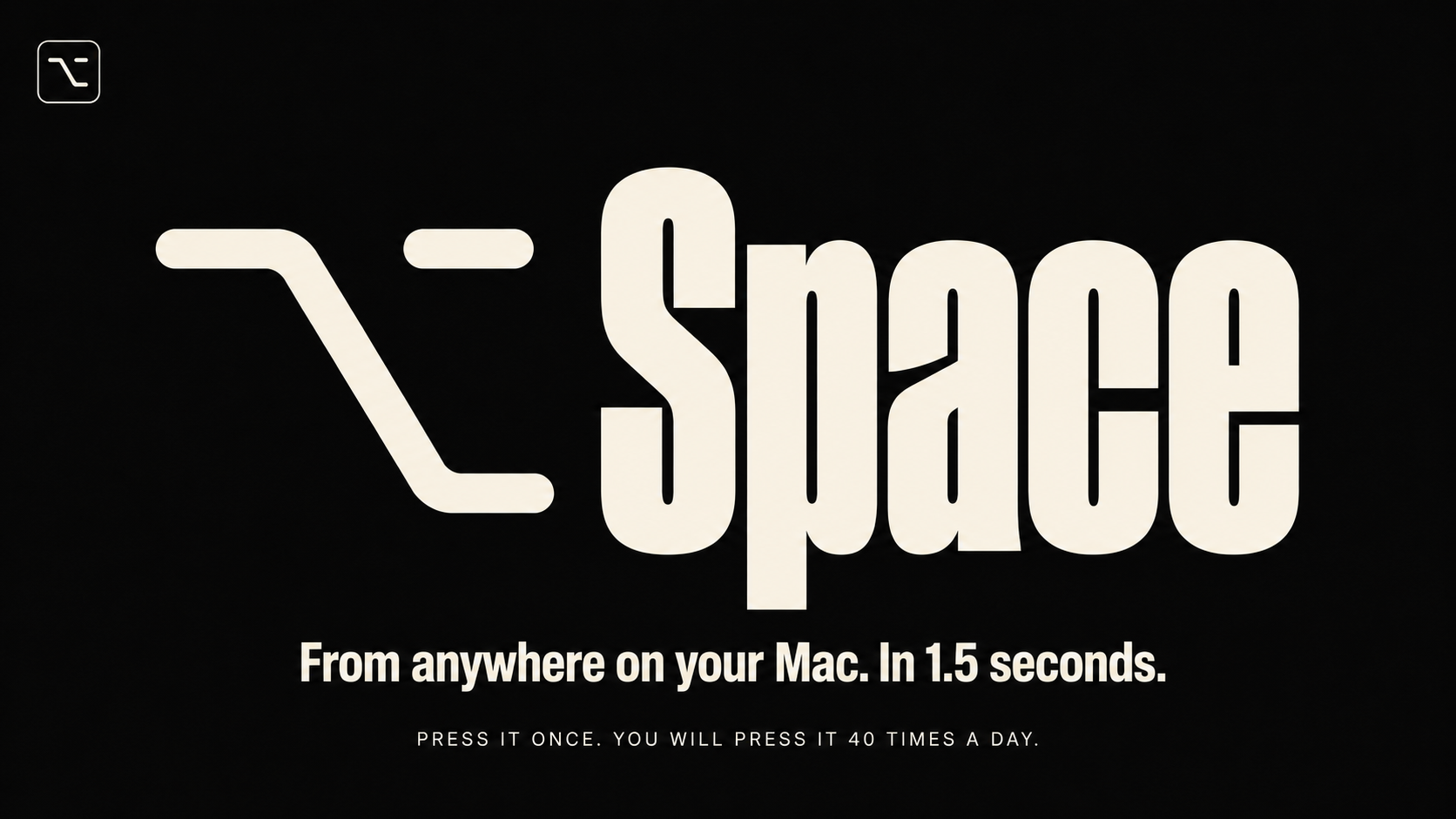
The flow is the part I'm proud of, because it's almost nothing. You copy any text. You press Option-Space. A small command bar floats up over whatever app you're already in, with your text already loaded. You type what you want done to it, in plain English, the same way you'd type into ChatGPT. "Make this friendlier." "Translate to Hindi." "Shrink to one sentence." "Fix the grammar." You hit Enter, wait about a second and a half, and the result pastes itself right back where your cursor was, in the app you never left. There are eight one-tap presets for the things I do constantly, and a fuller library a keystroke away, but most of the time I just type the command.
That's it. The entire point was to make the tool disappear. The best version of a tool like this is one you stop noticing, because it never makes you go anywhere.
The decisions that made it feel instant
A second and a half doesn't sound like a target until you've used a tool that takes six. Speed was the whole experience, so a few choices mattered more than the rest.
I ran the transforms through Groq rather than a slower provider, using a large model for quality with a smaller, faster one as a fallback so a hiccup never leaves you staring at a spinner. That's most of where the speed comes from. The auto-paste back into the original app is handled at the system level so the result lands exactly where you were, which is what makes it feel like the text just changed rather than like you ran an errand.
The privacy choices were the other half of feeling good to use. It's bring-your-own-key, so your text goes from your machine straight to the AI provider and to nobody else. Your key is encrypted in the macOS Keychain, not sitting in some config file in plain text. There's no account, no signup, no analytics, no crash reporting phoning home. I open-sourced the whole thing under MIT partly so anyone suspicious can read the code and confirm it does exactly what I said and nothing else. For a tool that handles your clients' words, that verifiability isn't a nice-to-have, it's the point.
What I'd tell you if you have the same itch
You might not need to build anything. The lesson here isn't "build an app," it's "find your forty." Whatever the small, free-feeling, repeated action is that quietly pulls you out of your work all day, count it honestly for one day. The number will be bigger than you expect, and once you've seen it you can't unsee it. Sometimes the fix is a keyboard shortcut you didn't know existed. Sometimes it's a snippet tool. For me it happened to be a hotkey and a floating bar, because nothing off the shelf did all four things I needed.
If your forty happens to be the ChatGPT-tab dance specifically, and you're on a Mac, Alter is free and open source and you can download it or read every line of it. The link's below. And if you're a founder reading this thinking less about your own clipboard and more about the friction your customers hit forty times a day on your store or in your product, that's the work I actually do for a living. The principle is identical: find the tax nobody's counting, then delete the trip.
FAQ
Frequently asked questions
What does Alter do?
It lets you transform any text with AI without leaving the app you're in. You copy text, press Option-Space, type a command like "make this clearer," and the result pastes back where your cursor was in about 1.5 seconds.Is Alter free?
Yes. It's free and open source under the MIT license. You bring your own free Groq API key, so there's no subscription.Does Alter send my text to a server?
Only to the AI provider, and only when you press Enter. There's no account, no analytics, and no remote logging. Your API key is encrypted in the macOS Keychain.What do I need to run it?
A Mac on macOS 13 Ventura or later (Apple Silicon or Intel) and a free Groq API key. That's it.Why build this instead of using a ChatGPT tab?
The browser tab forces a context switch every time, which quietly drains focus across dozens of uses a day. Alter removes the switch by working inside whatever app you're already in.Can I see how it works or contribute?
Yes. The full source is on GitHub under MIT, so you can read it, fork it, or open a pull request.
Last updated June 08, 2026