
Build log · macOS app
How I built Alter.
In short
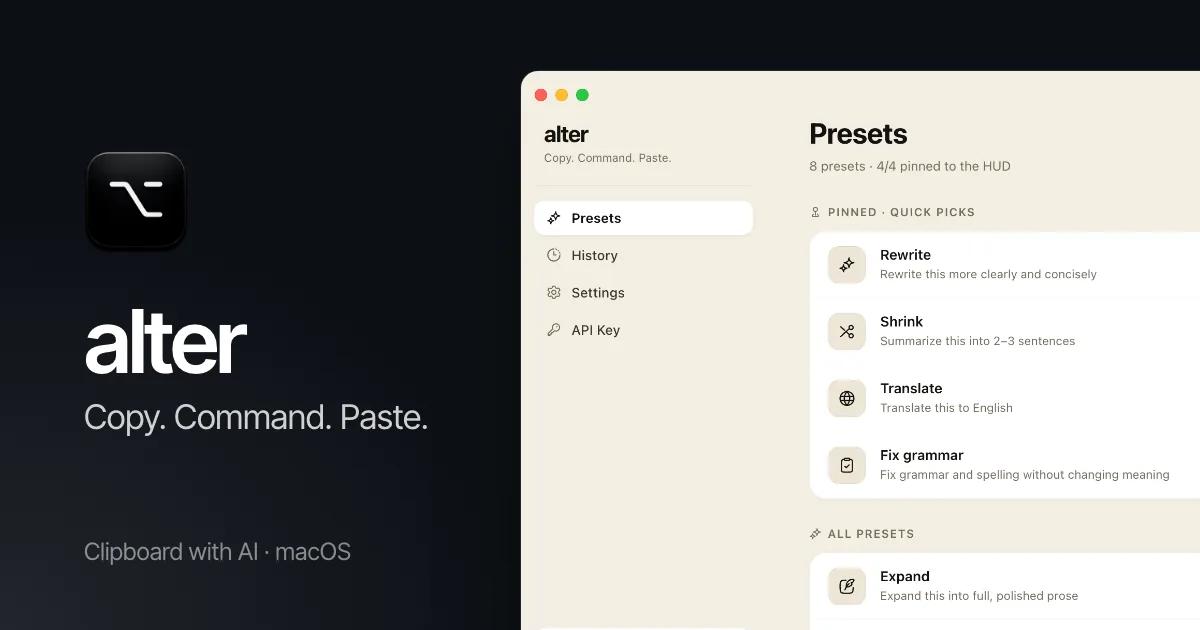
Alter is a free macOS menu-bar app that turns the clipboard into an AI command line. Copy some text, press ⌥ Space and type what you want, like “make this friendlier”. The result pastes back where your cursor was, in about 1.5 seconds. It runs on your own Groq key, with no account and no telemetry.
The problem
Using AI on a piece of text means leaving the app you’re in: copy, switch to a chat tab, paste, ask, copy the answer, switch back, paste. For a one-line rewrite, the round trip takes longer than the edit.
What I built
- A floating command bar that opens over any app on ⌥ Space, with the clipboard already loaded.
- Eight one-click presets (Rewrite, Shrink, Expand, Translate, Fix, Explain, Reply, Formal), a ⌘K preset library and free-form commands.
- Auto-paste into the app you came from. Without Accessibility permission, it copies to the clipboard instead.
- A menu-bar dashboard for presets, searchable history, the hotkey and the API key.
- DMG builds for Apple Silicon and Intel, released on GitHub.
Key decisions
Electron instead of native Swift.
The app is about 95% TypeScript and React. The only macOS-specific parts, the global hotkey, the clipboard, auto-paste and key storage, are one-liners in Electron. A native rewrite would have cost weeks for nothing a user would notice.
Groq instead of OpenAI.
Speed decides whether a clipboard tool becomes a habit. A Groq Llama 3.3 70B call came back in 1 to 2 seconds. GPT-4o took 4 to 8.
No streaming.
The result replaces the clipboard in one go. Pasting partial text mid-stream would corrupt the document, so Alter waits for the full answer.
More of how I build.
Every product here has a build log: the problem, the decisions and the stack.