
Build log · Claude Code skill
How I built Theme Audit.
In short
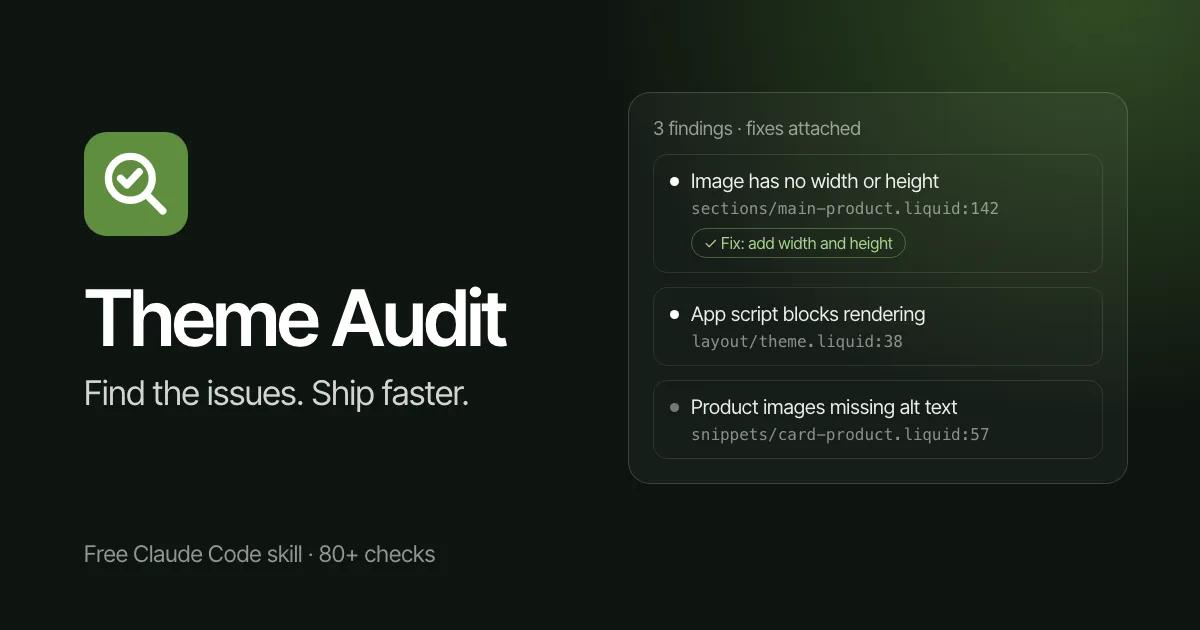
Theme Audit is a free, open-source skill for Claude Code that audits a Shopify theme the way I would by hand. It runs 80+ checks across speed, accessibility, conversion, app overhead, classic search and AI-search visibility. Every finding names the file and the line, with working Liquid code to fix it.
The problem
A theme audit is only useful if it points at code. Advice like “reduce unused JavaScript” leaves the developer to find the problem all over again. And on most stores the weight comes from apps, not the theme, so an audit that only reads the theme misses the biggest cost.
What I built
- Eight Markdown files that sit at the theme root and teach Claude Code how to audit: checklists, scoring rules, Liquid patterns and a before-and-after code gallery.
- 80+ checks across performance and Core Web Vitals, accessibility, conversion, third-party app overhead, SEO, AEO and GEO.
- An app audit that recognises 20+ common Shopify apps, including Klaviyo, Judge.me, Rebuy and Recharge, and scores how each one loads.
- A report with a score out of 100, or split scores for technical and search work, and a Quick-Wins mode that ranks fixes by impact over effort.
- WRONG and RIGHT Liquid pairs keyed by check ID, so the fix in the report is code you can paste.
- Optional reads from the live store through the Shopify MCP. Without it, it works offline against the local theme files.
Key decisions
I built it as a skill that runs inside Claude Code, not as a SaaS.
There’s no API bill, no account and no subscription. It runs on the Claude Code plan the developer already has, against the theme files on their own machine.
Each check cites a published limit, or says the threshold is mine.
When I scoped one check against a “128KB web pixel ceiling”, I found Shopify publishes no such limit. So I built that check on what is documented, and the scoring rules now require every home-made threshold to be labelled as one.
I publish my corrections in the changelog.
Two earlier versions got AI crawlers wrong. Blocking a training crawler like GPTBot does not remove a store from ChatGPT’s answers. Version 2.3 says so plainly and tells anyone who applied the old fix to re-check it.
Want something like this?
I build for clients the way I built this, and on client work you deal with one person from brief to launch. Tell me what you need, and the brief comes straight to me.